


-

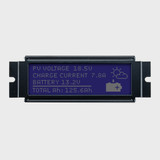
LCD gráfico 122x32 / 5,0 V STN (-) Azul / Branco Retroiluminação com conector de 2x10 pinos soldado
Model: NHD-12232KZ-NSW-BBW-P
Contorno: 83,5 mm x 27,8 mm
€13,70EM ESTOQUE -
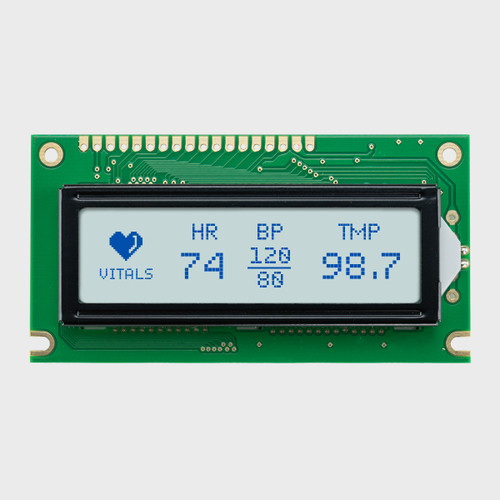

LCD gráfico 122x32 / 5,0 V STN+ cinzento / retroiluminação branca
Model: NHD-12232AZ-FSW-GBW
Contorno: 84,0 mm x 44,0 mm
€16,35EM ESTOQUE -


LCD gráfico 122x32 / 5,0 V STN+ Amarelo-verde / Retroiluminação amarelo-verde
Model: NHD-12232AZ-FL-YBW
Contorno: 84,0 mm x 44,0 mm
€15,00EM ESTOQUE -

LCD gráfico Chip on Glass 128x32 / 3,0 V FSTN(+) / Retroiluminação branca e FPC de 28 pinos
Model: NHD-C12832DA-FSW-FBW-3V3
Contorno: 41,3 mm x 19,7 mm
€9,79EM ESTOQUE -
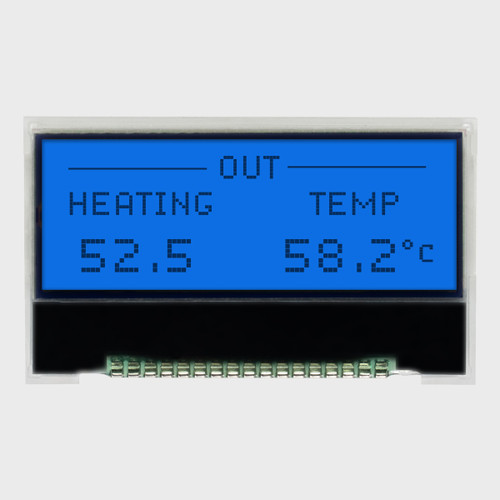
LCD gráfico Chip on Glass 128x32 / 3,0 V FSTN(+) / Retroiluminação azul
Model: NHD-C12832A1Z-FSB-FBW-3V3
Contorno: 41,4 mm x 24,3 mm
€9,79EM ESTOQUE -
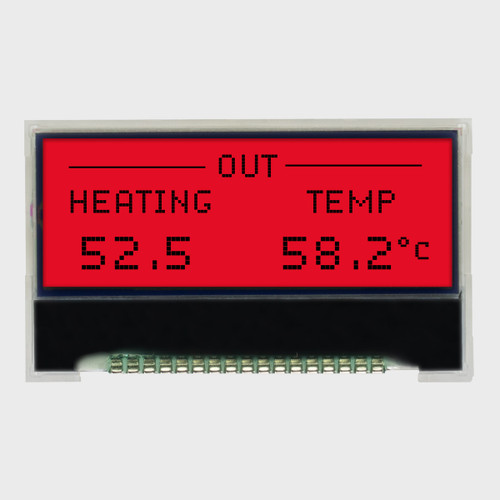

LCD gráfico Chip on Glass 128x32 / 3,0 V FSTN(+) / Retroiluminação vermelha
Model: NHD-C12832A1Z-FSR-FBW-3V3
Contorno: 41,4 mm x 24,3 mm
€9,79EM ESTOQUE -


LCD gráfico Chip on Glass 128x32 / STN 3,0 V (-) Azul / Retroiluminação branca
Model: NHD-C12832A1Z-NSW-BBW-3V3
Contorno: 41,4 mm x 24,3 mm
€9,79EM ESTOQUE -
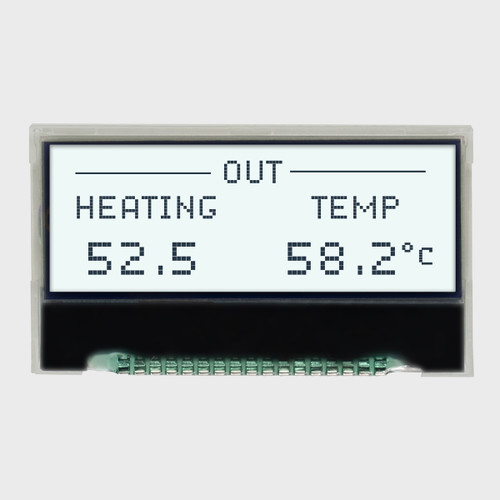
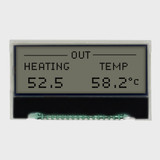
LCD gráfico Chip on Glass 128x32 / 3,0 V FSTN(+) / Retroiluminação branca
Model: NHD-C12832A1Z-FSW-FBW-3V3
Contorno: 41,4 mm x 24,3 mm
€9,79EM ESTOQUE -

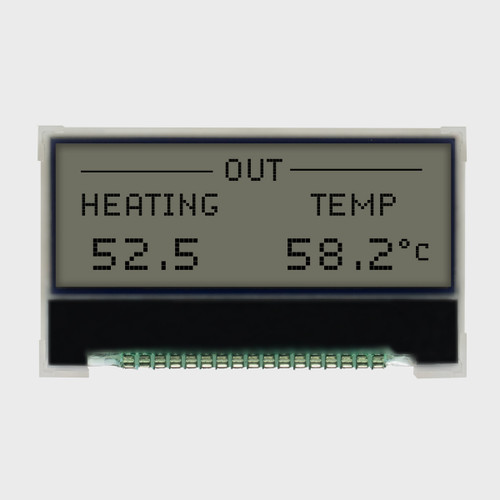
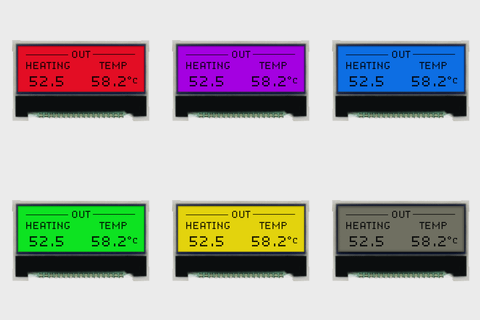
LCD gráfico Chip on Glass 128x32 / 3,0 V FSTN(+) / Retroiluminação RGB
Model: NHD-C12832A1Z-FS(RGB)-FBW-3V
Contorno: 41,4 mm x 24,3 mm
€11,93EM ESTOQUE -
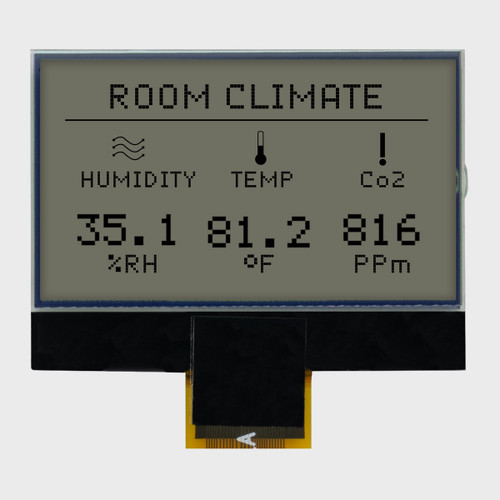
Ecrã LCD gráfico de 128x64 com chip sobre vidro / FSTN(+) de 3,3 V / Sem retroiluminação
Model: NHD-C12864B2Z-RN-FBW
Contorno: 48,0 mm x 36,0 mm
€12,28EM ESTOQUE -
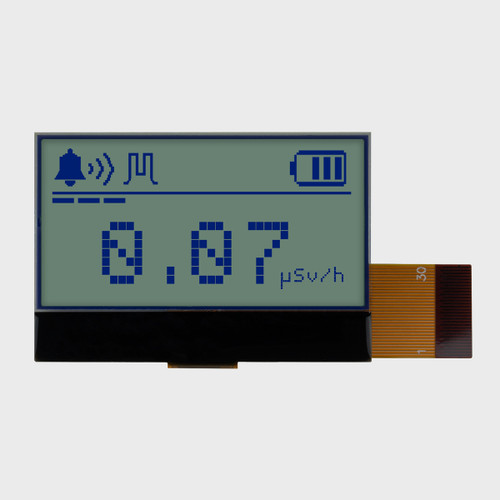
LCD gráfico Chip on Glass 128x64 / 3,0 V STN+ cinzento / sem retroiluminação
Model: NHD-C12864GG-RN-GBW
Contorno: 55,5 mm x 38,0 mm
€11,91EM ESTOQUE -
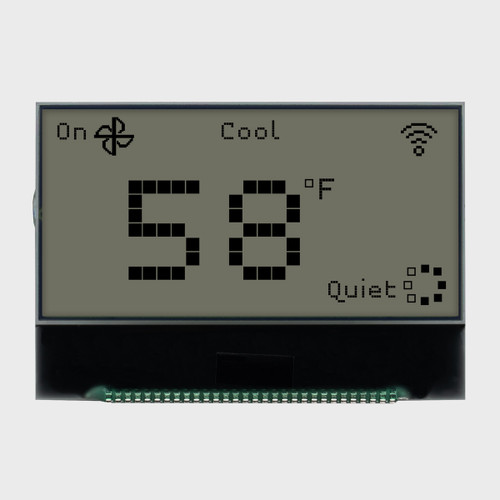
LCD gráfico Chip on Glass 128x64 / 3,0 V FSTN(+) / Visualização 12:00 / Sem retroiluminação
Model: NHD-C12864FA-RN-FTW-3V
Contorno: 56 mm x 39 mm
€13,10EM ESTOQUE
Ecrãs LCD gráficos
Versatile Graphic LCDs Designed for Clear Visuals and Dependable Performance
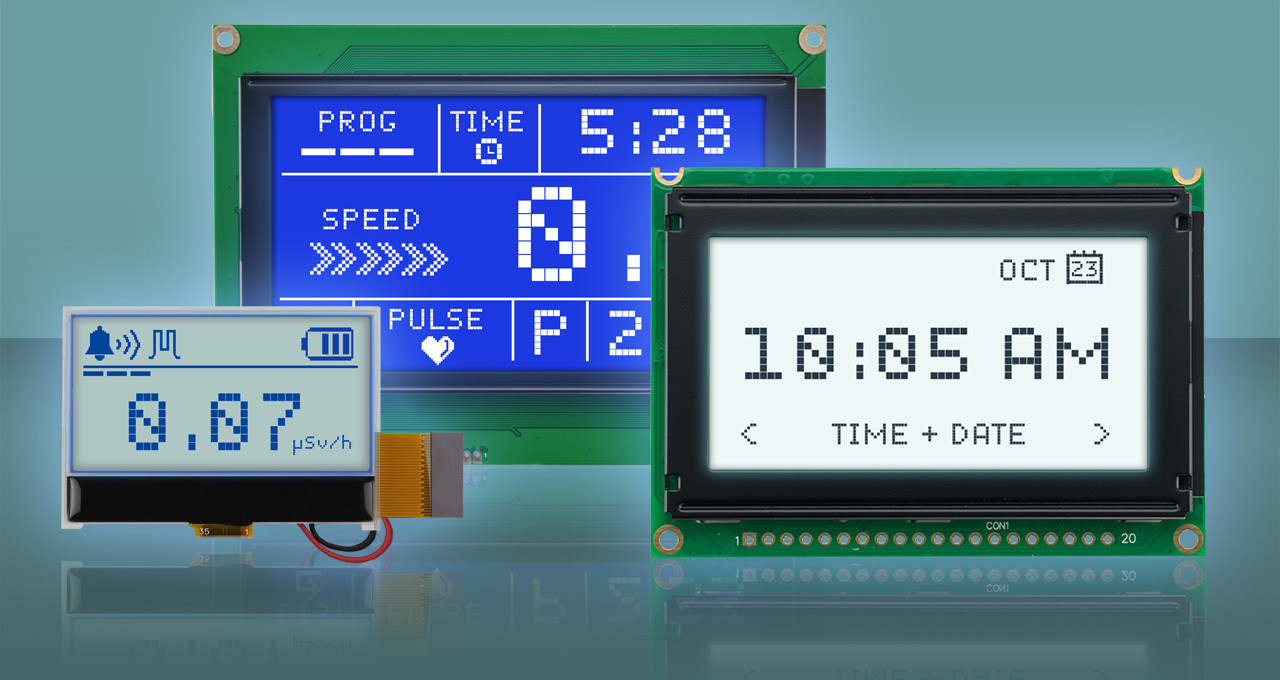
Render detailed graphics and data with clarity using our graphic LCD displays. Available in a range of resolutions, backlight colors, and display modes including transflective and transmissive, these modules deliver consistent readability across environments. Select models include built-in controllers such as the Sitronix ST7066U, NT7108C, RA6963, ST7920, or S1D13700 for smooth integration and reliable operation in any design.
How to Choose a Graphic LCD
Here are six decisions to help narrow our wide selection of displays to the graphic LCD that's right for your product: resolution, display mode and backlight, interface, controller, construction, and display type. Work through them in order, and you'll land on a short list of in-stock modules ready to incorporate into your design.
01 · RESOLUTION
Resolution and Size
How much does your screen need to show?
Graphic LCDs are sized by pixels, not characters. A 128×64 module is 128 pixels wide and 64 tall, and you can control every one. That pixel grid sets the display detail, icons/images, and text capacity. For a rough illustration of what each resolution can display, using a standard 5×7 font, a 128×64 screen fits 8 lines of 21 characters, excluding any needed graphics. Compact 122×32 and 128×32 formats suit a few lines plus icons, 128×64 is the go-to for menus, and 240×128 or 320×240 handle graphs and dense data. After deciding the amount of content you want to feature on screen, make sure you check the outline dimensions against your enclosure.

02 · DISPLAY MODE
Display Mode and Backlight
Will your product be used in sunlight, indoors, or in darker areas?
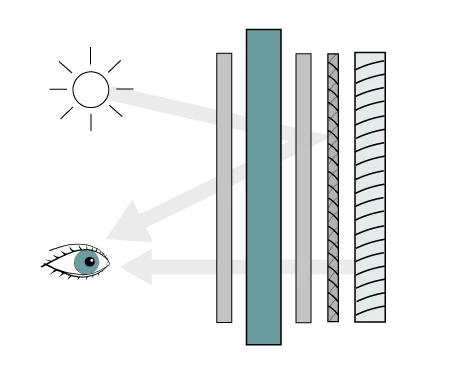
Display mode determines how the screen uses light. Reflective displays reflect the environmental light and, as such, have no backlight, draw the least power, and read best in bright light. Transflective displays reflect ambient light and add a backlight for dim rooms or nighttime, making them the most versatile choice. Transmissive displays rely on the backlight and deliver the clearest look in low light, especially with negative-mode panels. Most models use a white LED backlight, with yellow-green, blue, red, and RGB available on select modules.
 Reflective
 Transmissive
 Transflective
03 · INTERFACE
Built-in Interface
How will the display talk to your microcontroller?
Every graphic LCD has a controller on board, so the real decision is which connection your host can spare. Parallel is standard on our 5V modules and the quickest way to push full-screen updates. SPI cuts the connection to a handful of wires and is common on our chip-on-glass (COG) displays. I2C trims pin count further and lets the display share a bus with sensors. Many COG models support both serial and parallel, so one part can serve either design.
 Paralelo
6800/8080-Style
8-Bit
5V modules and fast full-screen redraws
Uses 11–14 I/O pins; check your pin budget
 I²C
I²C
2-Wire
Addressable
Sharing a bus with sensors and other peripherals
Slowest refresh. Needs pull-up resistors on SDA/SCL
 SPI
SPI
3/4-Wire
Synchronous
Pin-constrained 3.0-3.3V COG designs
Usually write-only; set aside MCU RAM for a frame buffer
04 · CONTROLLER
Controller and Built-in Fonts
Do you want built-in text, or full control of every pixel?
The controller decides how much work your firmware does. Pixel-only controllers like the ST7565R and NT7108C give you complete freedom, but your code supplies every font and graphic. The RA6963, ST7920, and S1D13700 include built-in character sets, so you can write text with a simple command and save pixel work for icons and charts. Porting existing code? Match the controller first and you'll avoid a firmware rewrite.
| Controller | Built-in Fonts | Interface | Supply | Resolutions |
|---|---|---|---|---|
| ST7565R / ST7565P / ST7567 | Não | SPI or Parallel | 3.0-3.3V | 128×32, 128×64, 240×64 |
| ST75160 | Não | I2C | 3.3V | 160×100 |
| ST7528 | Não | SPI / Parallel / I2C | 3.0V | 128×128 |
| SBN1661G / NT7086 | Não | Paralelo | 5.0V | 122×32, 320×240 |
| NT7108 / AiP31108U | Não | Paralelo | 5.0V | 128×64 |
| RA6963 / RA8835 / S1D13700 | Sim | Paralelo | 5.0V | 160×128, 240×64, 240×128, 320×240 |
| ST7920 | Sim | SPI or Parallel | 5.0V | 144×32 |
05 · MODULE TYPE
COB vs. COG
Do you need a ready-to-wire module, or the thinnest possible display?
COB (Chip on Board) modules mount the driver IC on a small PCB, giving you a complete module with a pin header, ready to wire on the bench. COG (Chip on Glass) modules skip the PCB, bonding the driver directly to the glass for a thinner display that connects by flex cable. Prototyping fast? Start with COB. Tight on depth? Go COG.

06 · LCD TYPE
Display Type and Color
Dark pixels on a light screen, or light pixels on a dark screen?
Positive displays show dark pixels on a light background in gray, yellow-green, or the crisp, neutral white of FSTN, and they're the easiest read in most lighting. Negative displays reverse that to light pixels on blue or black backgrounds for a high-contrast look in low light, paired with a transmissive backlight. FSTN adds a compensation film to STN for sharper contrast and a more neutral background. Most models are optimized for a 6:00 viewing angle, best when the viewer is below looking up.
 Positive
- STN Gray
- STN Yellow-Green
- FSTN
- Blue Pixels on Gray
- Dark Pixels on Yellow-Green
- Black Pixels on White
Transflective or Reflective
- Gray for General-Purpose & Mixed Lighting
- Yellow-Green for a Classic Industrial Look
- FSTN is Highest Contrast
 Negative
- STN Blue
- FSTN
- White Pixels on Blue
- Light Pixels on Black
Transmissive
- Low Light, Bold Appearance
- FSTN is Highest Contrast Premium Low-Light Look
Perguntas frequentes
A character LCD shows text in a fixed grid of predefined characters, such as 16×2. A graphic LCD gives you control of every pixel, so you can display custom icons, logos, graphs, and text in any font or size. Choose a character LCD for simple text readouts, and a graphic LCD when your interface needs visuals or flexible layouts.
Yes. Create a monochrome bitmap at your display's exact resolution, convert it to a data array with a tool like LCD Assistant, and write it to the display from your firmware. Custom fonts work the same way, or choose a controller with built-in character sets for standard text.
Yes. Our Support Center has example code and datasheets for our graphic LCDs, including Arduino examples for popular 128×64, 144×32, 122×32, and 128×32 modules. Start from the example for your display's controller and get pixels on the screen before you write any application code.
Standard graphic LCDs are rated for -20°C to 70°C. For cold environments, select 128×64 chip-on-glass (COG) models include a built-in 12V heater and are rated down to -40°C. LCD contrast shifts with temperature, so if your product sees wide swings, ask about modules with a temperature compensation circuit.
Yes. Common changes include backlight color and brightness, cable length and connectors, mounting hardware, and cover glass. Our value-added services handle lighter changes like soldering pin headers, adjusting contrast resistors, setting interface jumpers, or adding gaskets. Start from the closest standard part and tell us what needs to change.
Yes. Many legacy graphic LCDs use industry-standard controller families, and we stock compatible options, including KS0108-type (NT7108C), T6963C-type (RA6963), and SED1335-type (RA8835 and S1D13700). Send us the part you're replacing, and our engineers will match resolution, controller, interface, and mounting before you redesign anything.