


-
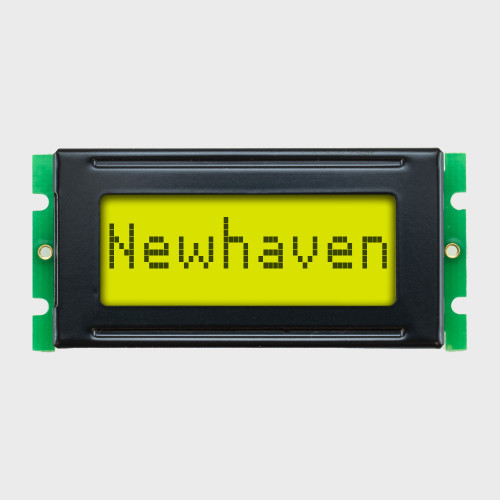

LCD compacto de 8x1 caracteres / STN de 3,3 V (+) Amarelo-verde / Retroiluminação amarelo-verde
Model: NHD-0108BZ-FSY-YBW-33V3
Contorno: 53,0 mm x 24,2 mm
¥943EM ESTOQUE -

LCD de 8x1 caracteres / 5,0 V STN (+) cinzento / sem retroiluminação
Model: NHD-0108BZ-RN-GBW
Contorno: 53,0 mm x 24,2 mm
¥937EM ESTOQUE -


LCD de 8x1 caracteres / 3,3 V STN (+) Amarelo-verde / Sem retroiluminação
Model: NHD-0108BZ-RN-YBW-33V
Contorno: 53,0 mm x 24,2 mm
¥940EM ESTOQUE -

LCD de 8x1 caracteres / STN (+) 3,3 V cinzento / retroiluminação branca com ícones
Model: NHD-0108HZ-FSW-GBW
Contorno: 60,7 mm x 33,85 mm
¥1,256EM ESTOQUE -

LCD de 8x1 caracteres / STN de 3,3 V (+) Cinza / Retroiluminação branca
Model: NHD-0108CZ-FSW-GBW-33V3
Contorno: 69,0 mm x 27,0 mm
¥972EM ESTOQUE -
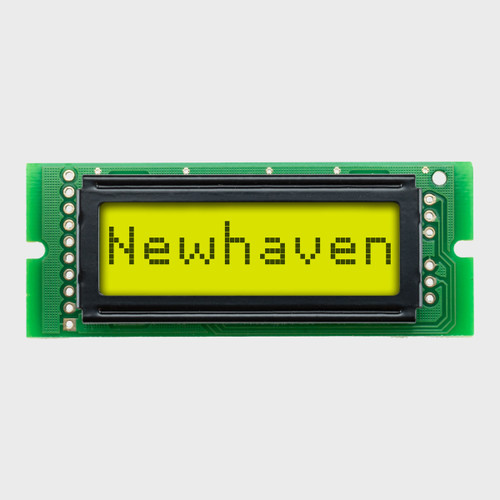
LCD de 8x1 caracteres / 5,0 V STN (+) Cinza / Luz de fundo amarelo-esverdeada
Model: NHD-0108CZ-FL-GBW
Contorno: 69,0 mm x 27,0 mm
¥918EM ESTOQUE -
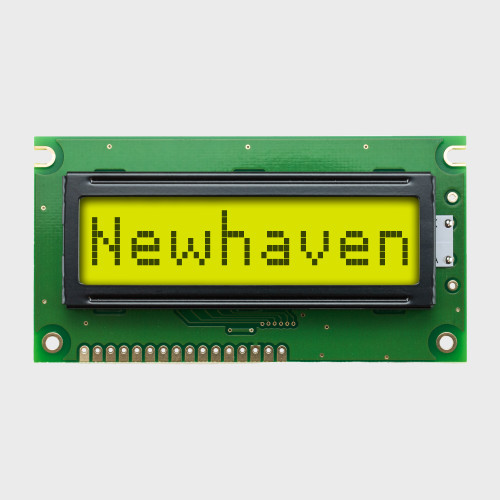
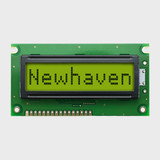
LCD de 8x1 caracteres / STN de 3,3 V (+) Amarelo-verde / Retroiluminação amarelo-verde
Model: NHD-0108FZ-FL-YBW-33V3
Contorno: 84,0 mm x 44,0 mm
¥1,253EM ESTOQUE -


LCD de 8x1 caracteres / 5,0 V STN (+) Amarelo-verde / Sem retroiluminação
Model: NHD-0108FZ-RN-YBW
Contorno: 84,0 mm x 44,0 mm
¥1,253EM ESTOQUE -



LCD compacto de 16x1 caracteres / 5,0 V STN (+) cinza / luz de fundo amarelo-esverdeada
Model: NHD-0116AZ-FL-GBW
Contorno: 80,0 mm x 36,0 mm
¥1,133EM ESTOQUE -
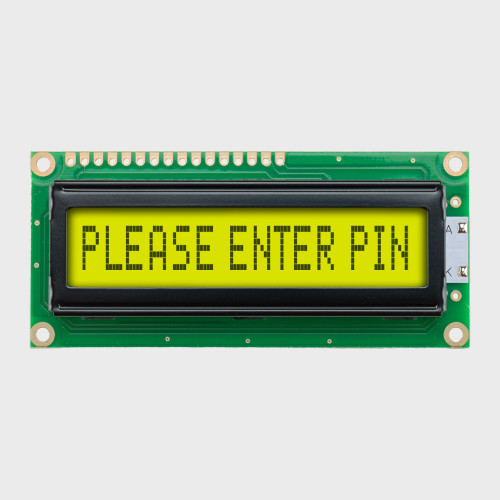
LCD compacto de 16x1 caracteres / STN de 5,0 V (+) Amarelo-verde / Retroiluminação amarelo-verde
Model: NHD-0116AZ-FL-YBW
Contorno: 80,0 mm x 36,0 mm
¥1,127EM ESTOQUE -

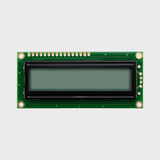
LCD de 16x1 caracteres / 5,0 V STN (+) cinzento / sem retroiluminação
Model: NHD-0116AZ-RN-GBW
Contorno: 80,0 mm x 36,0 mm
¥981EM ESTOQUE -

LCD de 16x1 caracteres / 5,0 V STN (-) Azul / Retroiluminação branca
Model: NHD-0116DZ-NSW-BBW
Contorno: 122,0 mm x 33,0 mm
¥1,653EM ESTOQUE
Ecrãs LCD de caracteres
LCDs de caracteres de alto contraste projetados para um desempenho confiável e legível
Deliver crisp, consistent text and data with our character LCD displays, available in formats from 8x1 to 40x4. Choose from multiple color combinations and display types including STN and FTSN, with positive or negative modes, and transflective, reflective, or transmissive options for dependable readability. Each display features a built-in controller such as the Sitronix ST7066U or PIC16F690 to simplify integration and ensure long-term reliability.
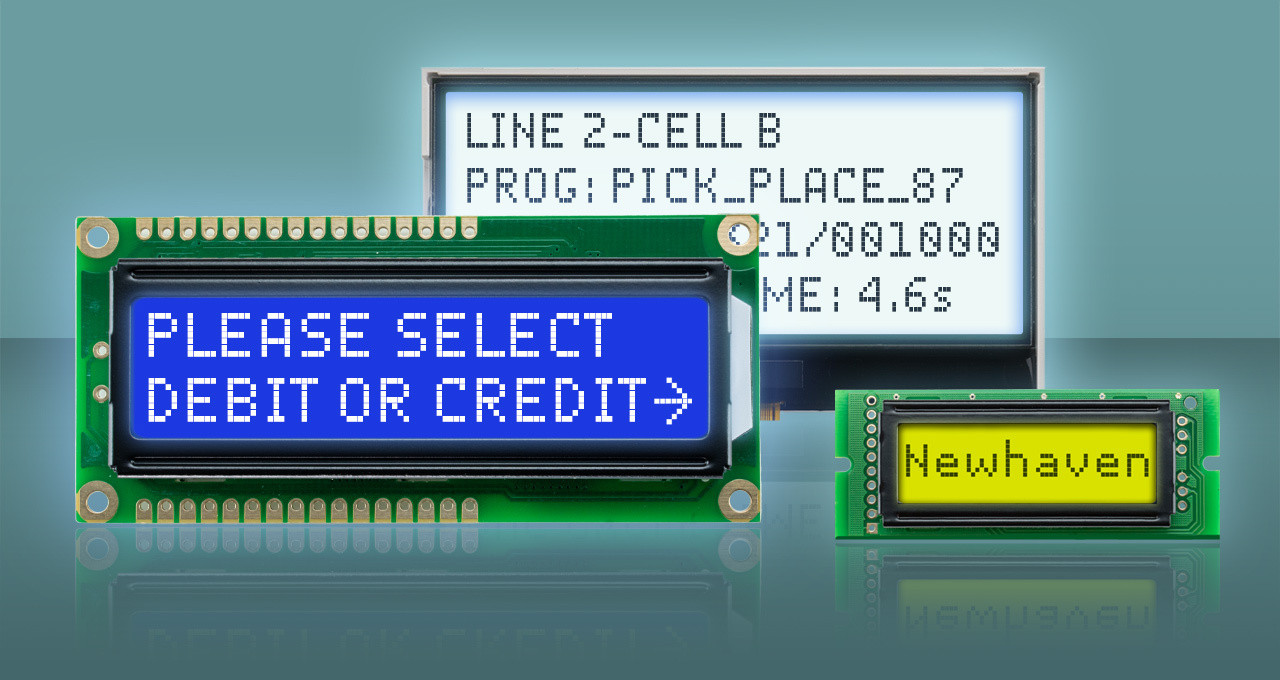
How to Choose a Character LCD
Here are six decisions to help narrow our wide selection of displays to the character LCD that's right for your product: size and character format, backlight, interface, construction, display mode, and viewing angle. Work through them in order, and you'll land on a short list of in-stock modules ready to incorporate into your design.
01 · DISPLAY SIZE
Size and Character Format
How much does your interface need to say?
Character LCDs are sized by rows and columns, not diagonal inches: a 16×2 module shows two lines of 16 characters, a 20×4 shows four lines of 20. Start with the longest message your firmware needs to display, then check the outline dimensions against your enclosure. Compact formats like 8×1 and 16×1 suit simple status readouts while 20×4 and larger fit multi-line menus.

02 · BACKLIGHTS
LED Backlights and Colors
Does your product need a backlight and, if so, which one?
Start there. No backlight keeps cost lowest and stays perfectly readable in bright, direct lighting conditions. If your product will be used in rooms where light is lower or at night, add a backlight and choose a color that fits your brand, including yellow-green, white, blue, or red. If you need the flexibility to change that color, then pick an RGB display.
| Retroiluminação | Outdoor/Sunlight | Darkness/Low Light | Visual Character | Best Viewing Environment |
|---|---|---|---|---|
| Sem luz de fundo | Excellent * | Poor | Simple, Low Power | Outdoor or High Ambient Light |
| Yellow-Green | Good - Excellent * | Very Good | Classic | Indoor, Industrial Equipment |
| Branco | Good * | Excelente | Neutral, Versatile | Indoor, General-Purpose |
| Azul | Fair - Good * | Excelente | Modern, Cool | Indoor, Low-Moderate Light |
| Vermelho | Fair | Excelente | Warning / Alert | Low-Light, Nighttime Equipment |
| RGB | Good - Excellent * | Excelente | Flexible, Color-Coded | Anywhere Depending on Color |
* Outdoor performance depends strongly on brightness, polarizer, contrast and LCD mode; if LCD is transflective or reflective.
03 · INTERFACE
Built-in Interface
How will the display talk to your microcontroller?
With a controller already on board each LCD, the real decision is which connection fits your host. Choose parallel if you're building from reference code or an existing library since it's the most widely supported option. Go with I2C or SPI when board space is tight or you're already sharing a bus with other components. Pick RS-232(TTL) if your host only has a UART to spare and you'd rather send serial commands than manage a parallel bus.
 Paralelo
6800/8080-style
4 or 8-bit
MCUs with I/O pins to spare; fastest, simplest firmware
Uses 6-10+ pins, check pin budget before committing
 I²C
I²C
2-Wire
Addressable
Pin-constrained designs, or driving multiple displays in 1 bus
Slower clock and needs pull-up resistors on SDA/SCL
 SPI
SPI
3/4-Wire
Synchronous
Pin-constrained designs, that still need faster refresh than I²C
No built-in addressing, ea. display needs its own slave-select line
 RS-232 (TTL)
1-Wire UART
ASCII Command Set
Simple text output from any UART, no display driver library needed
Lowest throughput; fine for status text, not fast-updating data
04 · MODULE TYPE
COB vs. COG
Do you need a ready-to-wire module, or the thinnest possible display?
COB (Chip on Board) modules mount the driver IC on a small PCB, giving you a complete module with a pin header, ready to wire on the bench. COG (Chip on Glass) modules skip the PCB, bonding the driver directly to the glass for a thinner display that connects by flex cable. Prototyping fast? Start with COB. Tight on depth? Go COG.

05 · LCD MODES
Positive vs. Negative Display
Dark text on a light screen, or light text on a dark screen?
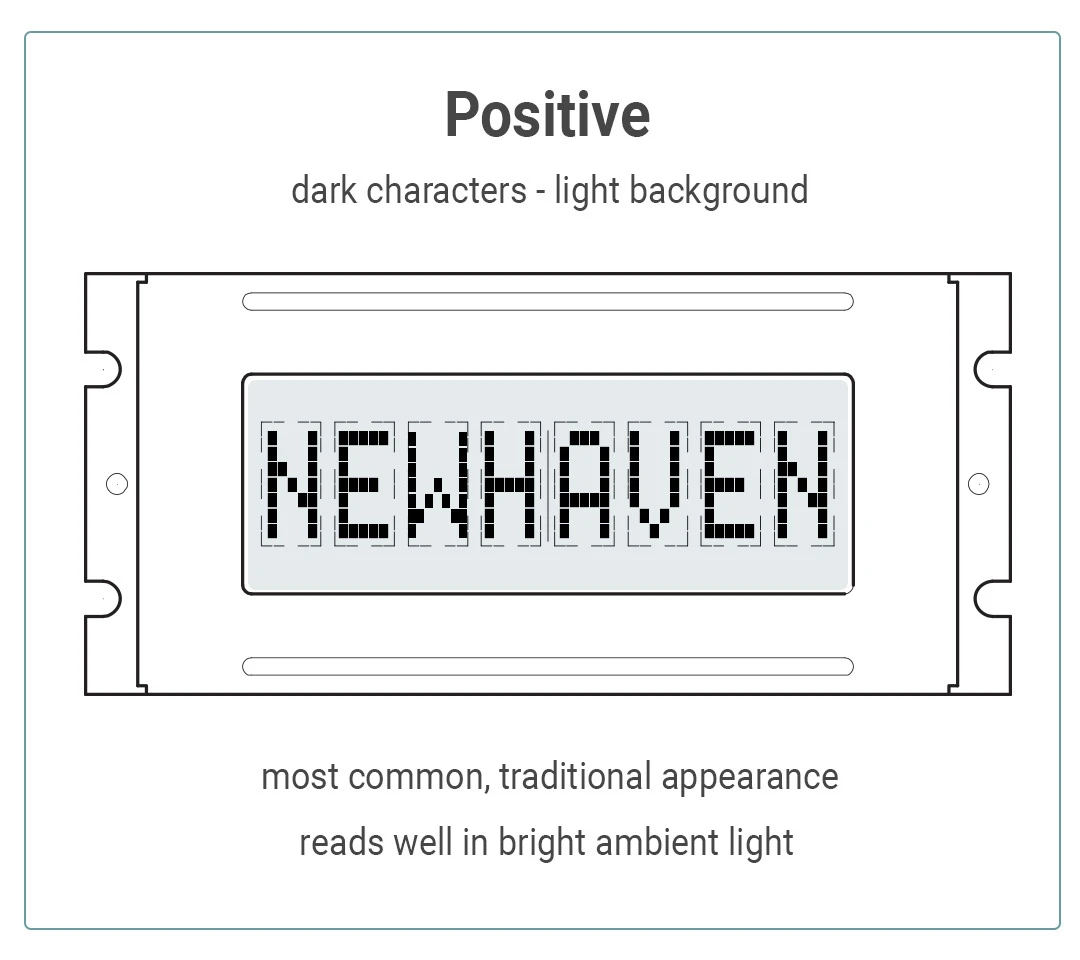
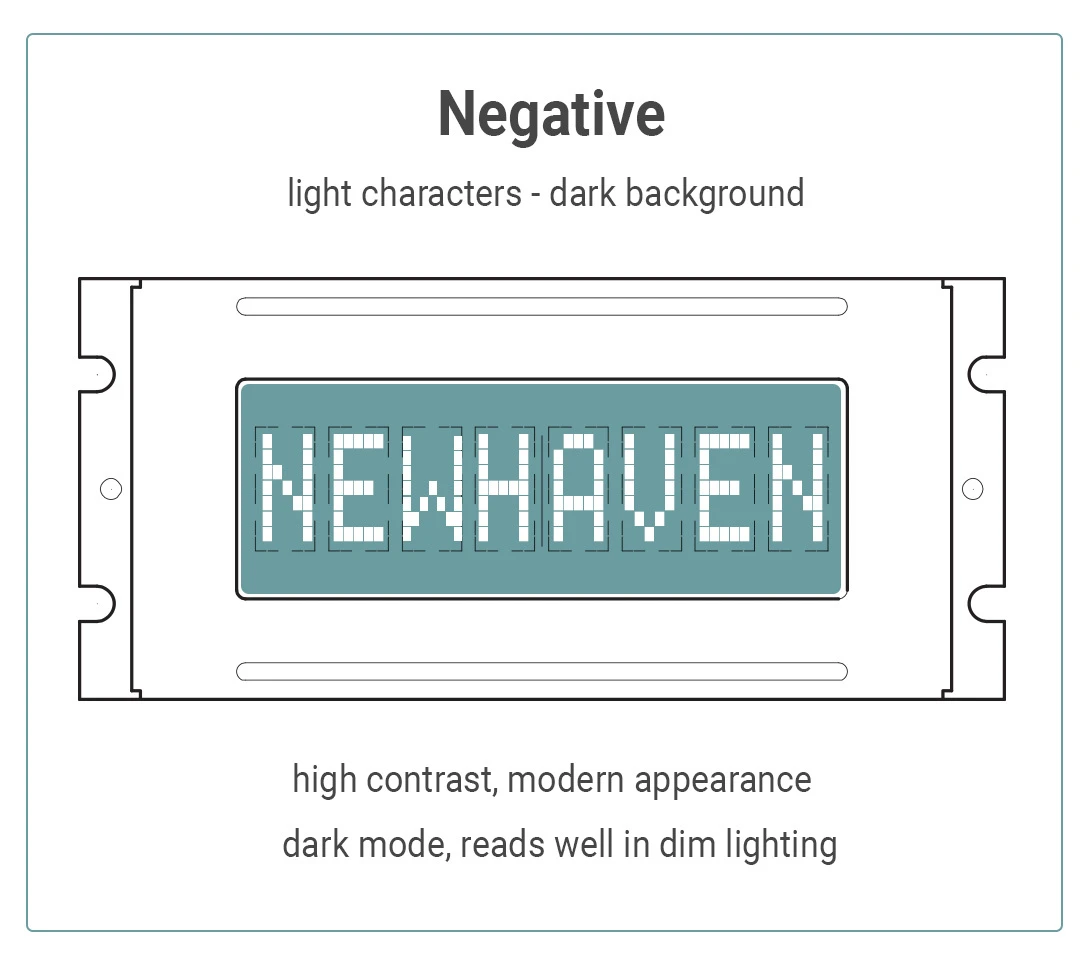
Positive mode shows dark characters on a light background and is the most common choice and an easy read in most lighting. Negative mode reverses it for a higher-contrast look in low-light settings. Display mode is independent of backlight color, so both modes pair with various colors.
06 · VIEWING ANGLE
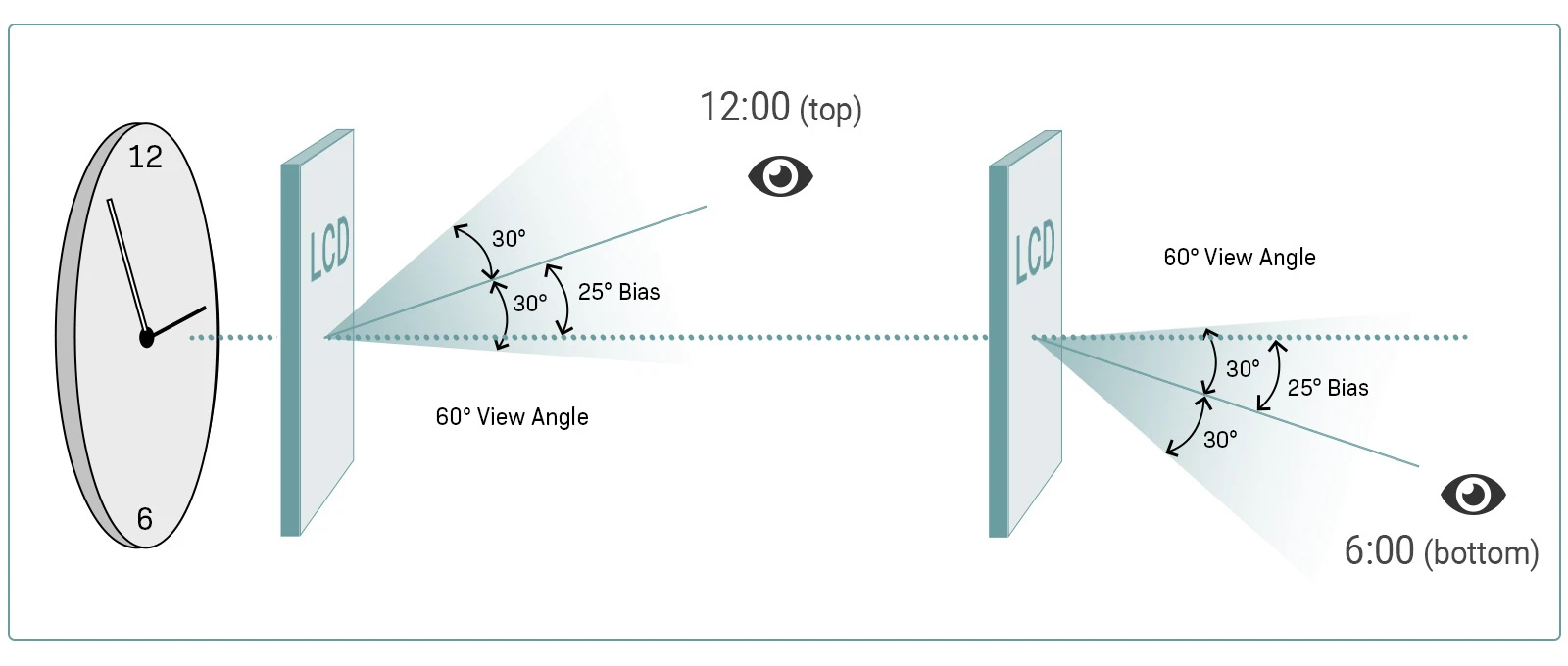
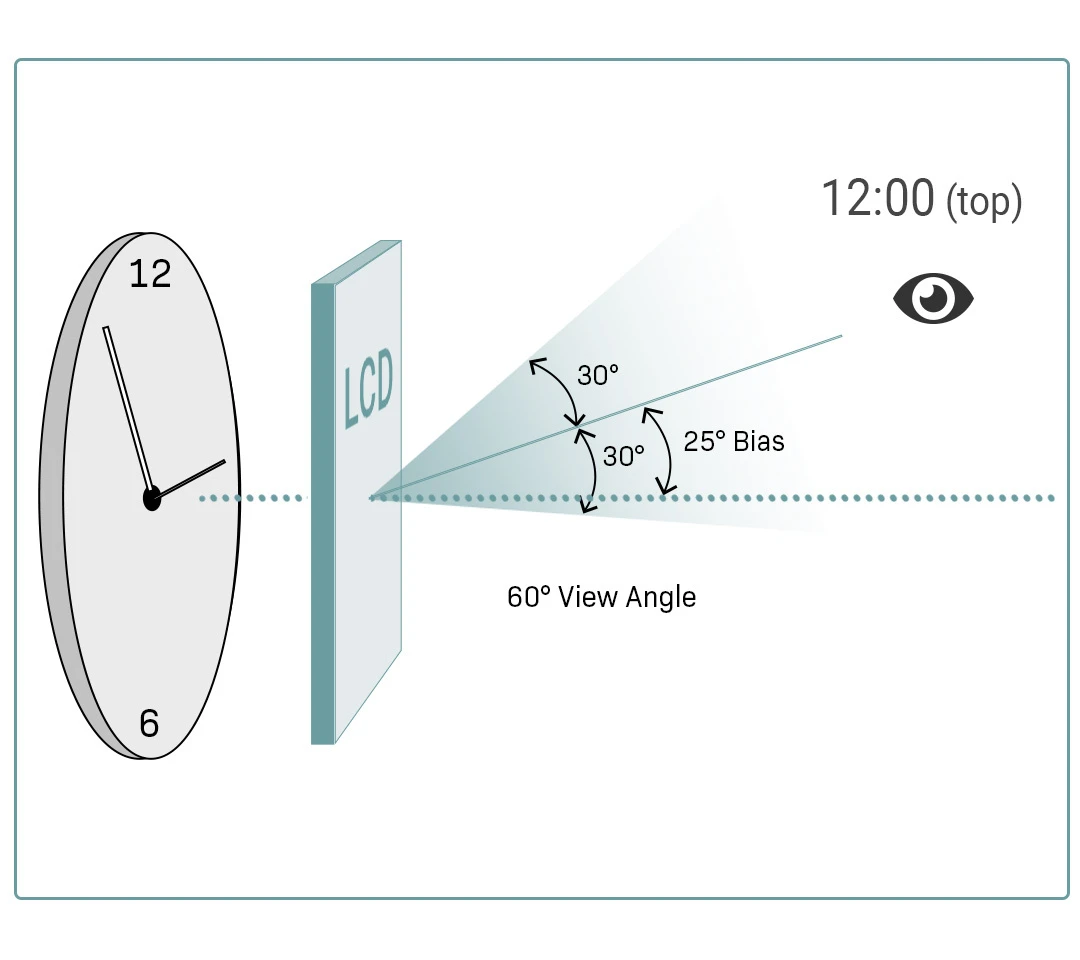
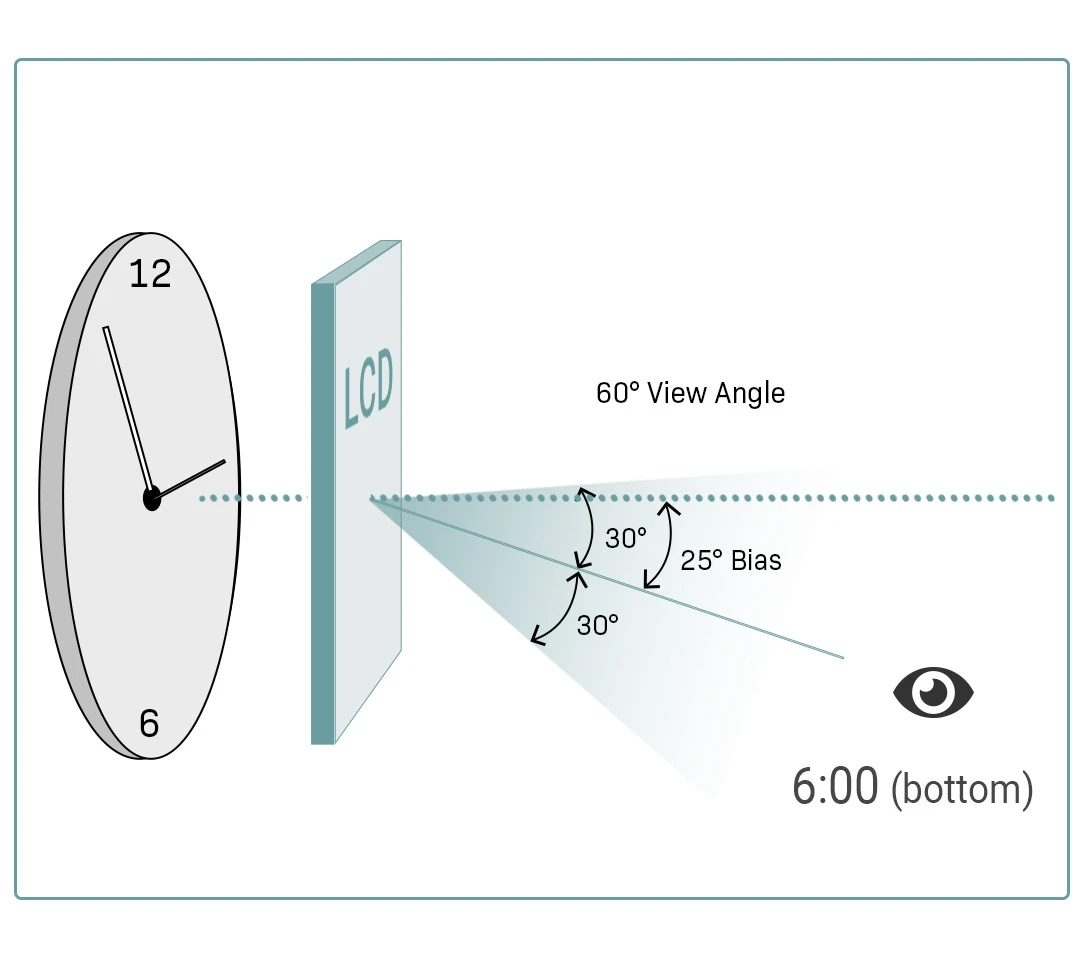
6:00 vs. 12:00
Where will your user's eyes be relative to the screen?
Every character LCD is optimized for peak contrast from one direction which is designated by clock position. A 12:00 view looks best when the viewer is above the display looking down. A 6:00 view looks best when the viewer is below looking up.
Perguntas frequentes
Most character LCDs run on 5V logic, with 3.3V versions available for battery-powered or low-voltage designs. Check the supply voltage on the product page before you finalize your power budget. It's listed alongside current draw for both the logic and the backlight.
Standard character LCDs are rated for -20°C to 70°C, which covers most indoor and light industrial environments. If your product runs in a low temperature outdoor environment or in a vehicle, ask about wide-temperature options or a built-in heater before you commit to a specific part number.
Yes, most character LCDs ship with widely supported driver libraries, including ready-to-use Arduino examples. Our Support Center has example code and datasheets for every interface we offer, so you can get a display running on the bench before you write any application code.
Standard modules cover most projects, but connectors, cover lens, backlight color, and even custom character sets can be modified at moderate minimum order quantities. Start from the closest standard part and tell us what needs to change and we'll create samples for what your design requires.
Order 1-2 pieces of any standard part directly from the product page, most ship the same day. Once you've validated it on the bench, the same part number scales into volume pricing when you're ready for production.
Yes, our engineers can cross-reference a competitor's part number or a legacy display to a compatible or drop-in replacement. Send us the display you're replacing, and we'll help you match the character format, interface, and mounting before you redesign anything.