


-


122x32 Grafik-LCD / 5,0 V STN+ Gelb-Grün / Gelb-Grün Hintergrundbeleuchtung
Model: NHD-12232AZ-FL-YBW
Umriss: 84,0 mm x 44,0 mm
$16.78AUF LAGER -

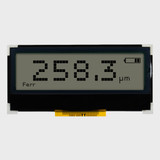
128x32 Chip-on-Glass-Grafik-LCD / 3,0 V FSTN(+) / weiße Hintergrundbeleuchtung und 28-poliger FPC
Model: NHD-C12832DA-FSW-FBW-3V3
Umriss: 41,3 mm x 19,7 mm
$10.95AUF LAGER -
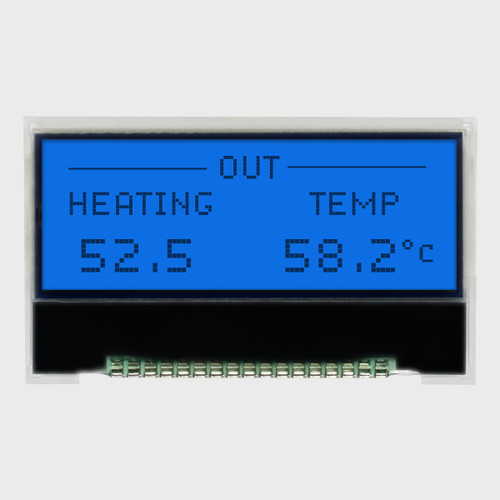
128x32 Chip-on-Glass-Grafik-LCD / 3,0 V FSTN(+) / Blaue Hintergrundbeleuchtung
Model: NHD-C12832A1Z-FSB-FBW-3V3
Umriss: 41,4 mm x 24,3 mm
$10.95AUF LAGER -
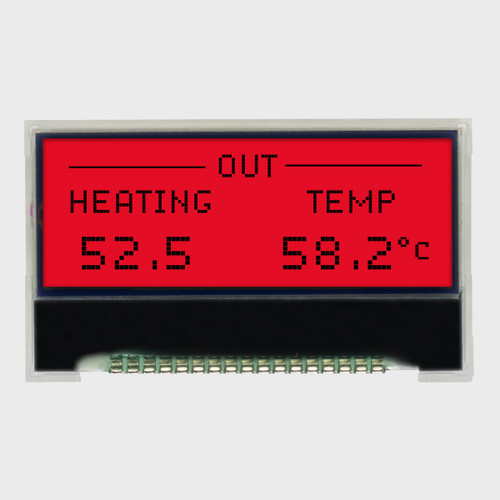

128x32 Chip-on-Glass-Grafik-LCD / 3,0 V FSTN(+) / rote Hintergrundbeleuchtung
Model: NHD-C12832A1Z-FSR-FBW-3V3
Umriss: 41,4 mm x 24,3 mm
$10.95AUF LAGER -


128x32 Chip-on-Glass-Grafik-LCD / 3,0 V STN (-) Blau / Weiß hintergrundbeleuchtet
Model: NHD-C12832A1Z-NSW-BBW-3V3
Umriss: 41,4 mm x 24,3 mm
$10.95AUF LAGER -
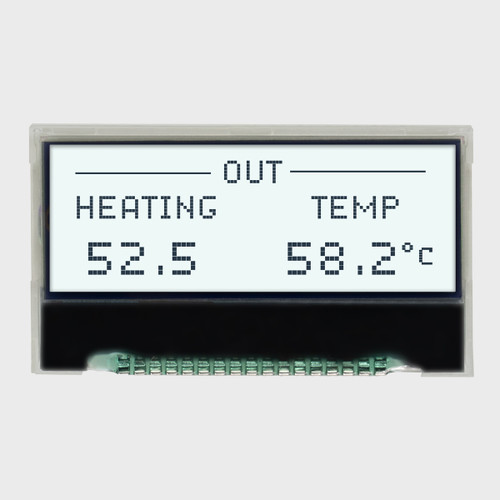
128x32 Chip-on-Glass-Grafik-LCD / 3,0 V FSTN(+) / weiße Hintergrundbeleuchtung
Model: NHD-C12832A1Z-FSW-FBW-3V3
Umriss: 41,4 mm x 24,3 mm
$10.95AUF LAGER -

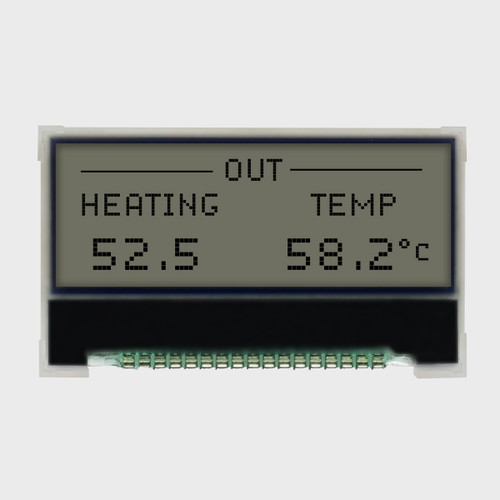
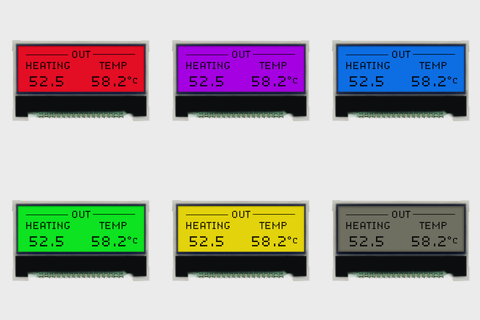
128x32 Chip-on-Glass-Grafik-LCD / 3,0 V FSTN(+) / RGB-Hintergrundbeleuchtung
Model: NHD-C12832A1Z-FS(RGB)-FBW-3V
Umriss: 41,4 mm x 24,3 mm
$13.34AUF LAGER -
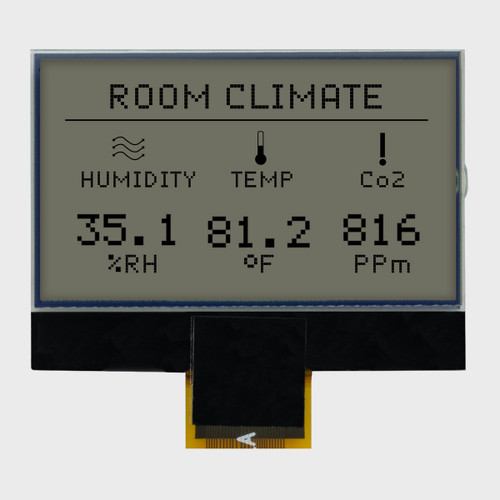
128×64-Chip-on-Glass-Grafik-LCD-Display / 3,3 V FSTN(+) / ohne Hintergrundbeleuchtung
Model: NHD-C12864B2Z-RN-FBW
Umriss: 48,0 mm x 36,0 mm
$13.74AUF LAGER -
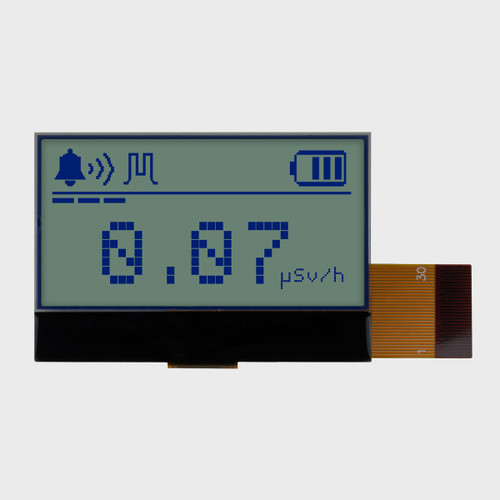
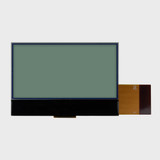
128x64 Chip-on-Glass-Grafik-LCD / 3,0 V STN+ Grau / ohne Hintergrundbeleuchtung
Model: NHD-C12864GG-RN-GBW
Umriss: 55,5 mm x 38,0 mm
$13.32AUF LAGER -
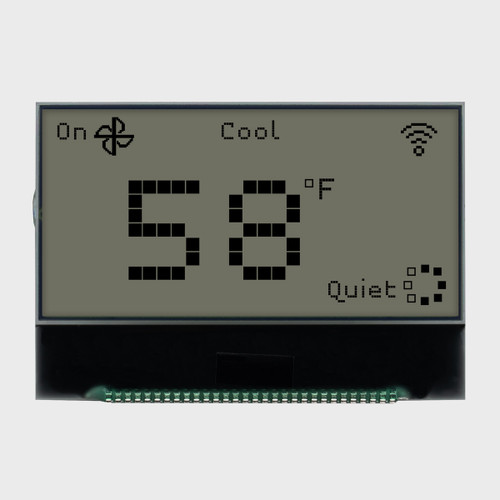
128x64 Chip-on-Glass-Grafik-LCD / 3,0 V FSTN(+) / 12:00-Anzeige / keine Hintergrundbeleuchtung
Model: NHD-C12864FA-RN-FTW-3V
Umriss: 56 mm x 39 mm
$14.65AUF LAGER -

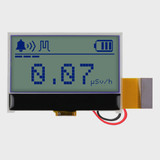
128x64 Chip-on-Glass-Grafik-LCD / 3,0 V STN+ grau / weiße Hintergrundbeleuchtung
Model: NHD-C12864KGZ-FSW-GBW
Umriss: 57,2 mm x 40,0 mm
$15.28AUF LAGER -

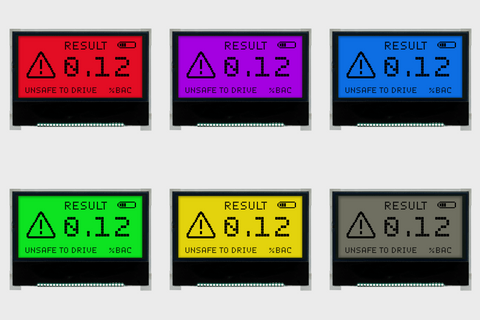
128x64 Chip-on-Glass-Grafik-LCD / 3,0 V FSTN(+) / RGB-Hintergrundbeleuchtung
Model: NHD-C12864DA-FSRGB-FBW-3V3
Umriss: 58,2 mm x 41,7 mm
$18.60AUF LAGER
LCD-Anzeigen
Vielseitige Grafik- und Zeichen-LCD-Displays für klare, konsistente Kommunikation in jeder Anwendung
Mit unseren Zeichen- und Grafik-LCD-Displays profitieren Sie von zuverlässiger Leistung und hervorragender Lesbarkeit. Diese energieeffizienten Panels verbinden bewährte Technologie mit moderner Designvielfalt und sind in verschiedenen Größen, Farben und Schnittstellenoptionen erhältlich, sodass sie sich für eine Vielzahl von Anwendungen eignen.
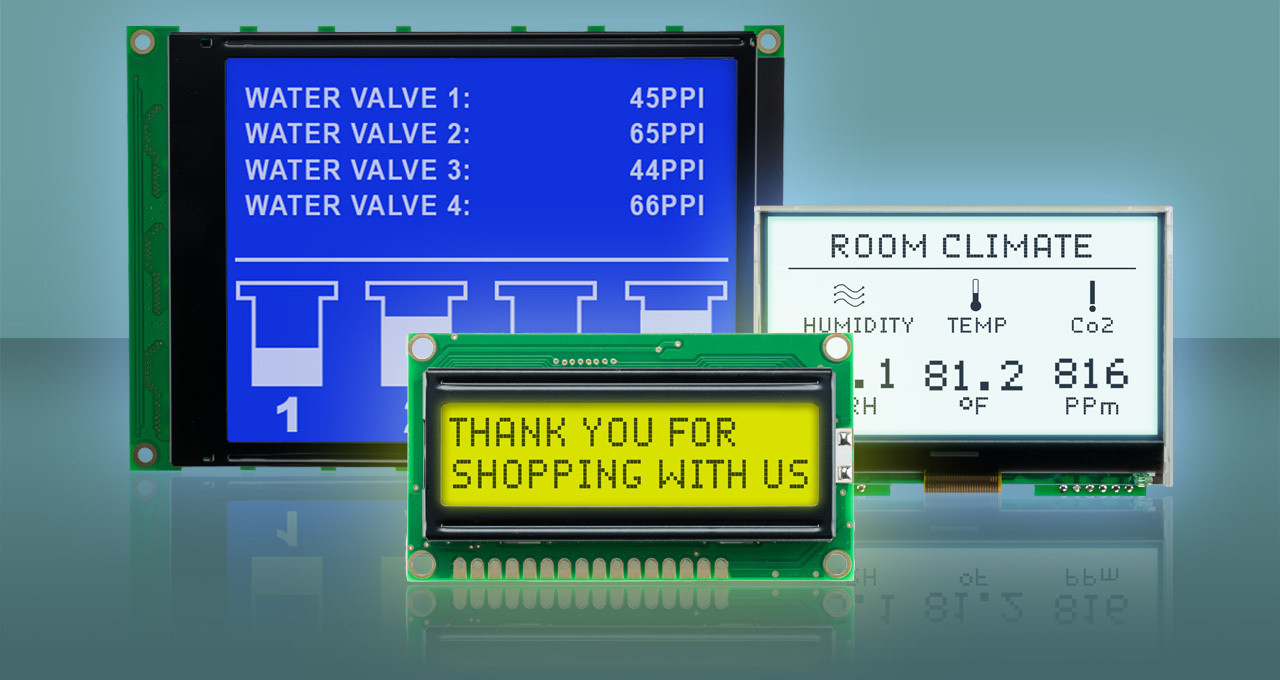
How to Choose an LCD Display
Here are six decisions to help narrow our wide selection of displays to the LCD that's right for your product, whether it's a character or graphic module: format, size, display mode and backlight, interface, construction, and display type and viewing angle. Work through them in order, and you'll land on a short list of in-stock modules ready to incorporate into your design.
01 · FORMAT
Character or Graphic LCD
Does your screen need to show text or graphics too?
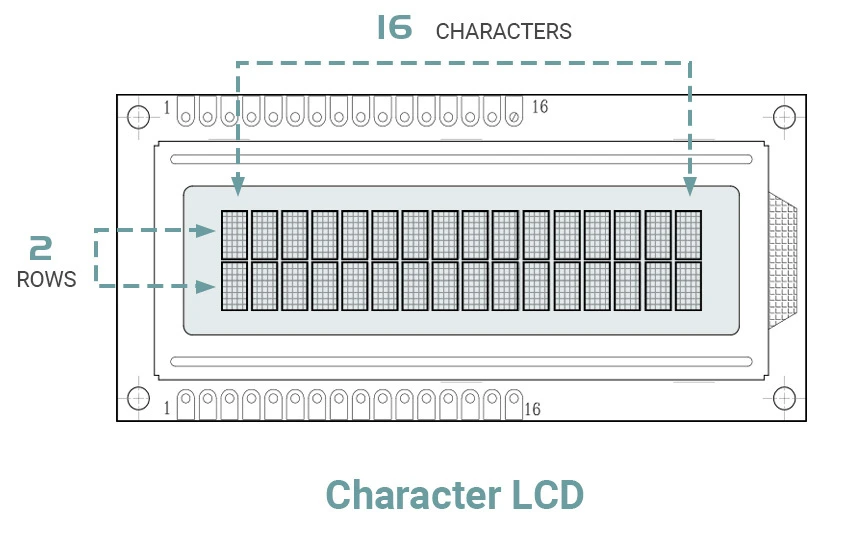
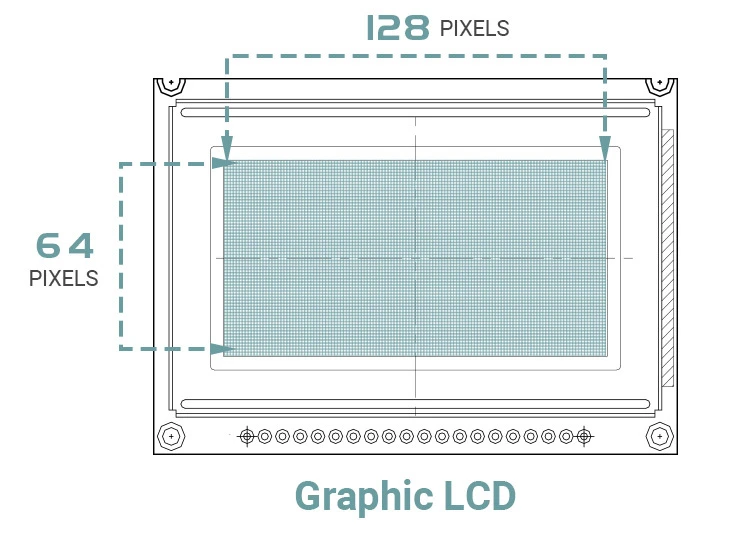
Character LCDs display letters, numbers, and symbols in a fixed grid using a built-in font, so your firmware simply sends text. Graphic LCDs give you control of every pixel for icons, logos, bar graphs, and custom fonts. If your interface is mostly words and numbers, a character LCD is the simplest, most cost-effective choice. If it needs visuals or flexible layouts, go graphic as a 128×64 graphic module still fits 8 lines of 21 characters.
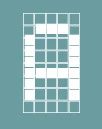 Zeichen-LCD
Rows × Characters (1×8 to 4×40)
Text, Numbers, Predefined Symbols
Send Characters, Font is Built-in
Status Readouts, Settings, Simple Menus
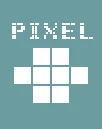 Grafik-LCD
Pixels (122×32 to 320×240)
Text in Any Font, Icons, Logos, Graphs
Draw Pixels. Fonts Come From Firmware or a Controller's Built-in Set
Graphic Menus, Trend Data, Custom Interfaces
02 · DISPLAY SIZE
Size and Display Format
How much does your interface need to show?
Character LCDs are sized by rows and columns: a 2×16 shows two lines of 16 characters, and our lineup runs from 1×8 to 4×40. Graphic LCDs are sized by pixels, from 122×32 to 320×240. Either way, start with the longest message or most detailed screen your firmware needs to show, then check the outline dimensions against your enclosure. Compact formats suit status readouts, while 4×20, 240×128 and larger fit multi-line menus and data.
03 · DISPLAY MODE
Display Mode and Backlight
Will your product be used in sunlight, indoors, or in the dark?
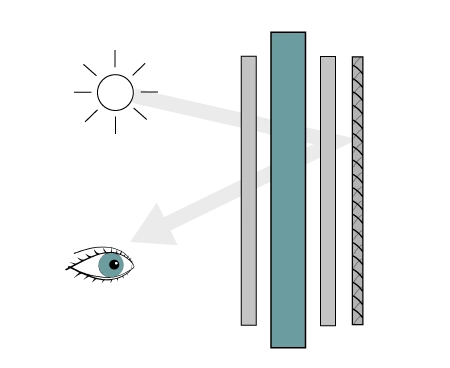
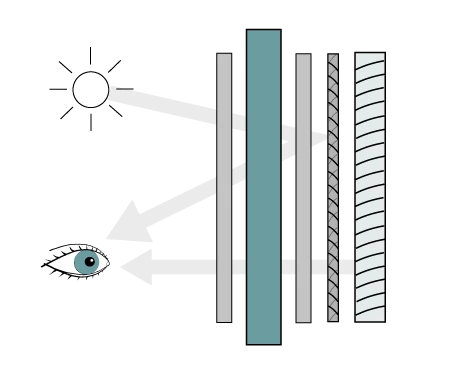
Display mode sets how an LCD uses light, and it works the same for character and graphic modules. Reflective LCDs have no backlight, drawing the least power and reading best in bright light. Transflective LCDs use ambient light and add a backlight for dim rooms or nighttime. Transmissive LCDs rely on the backlight for a bright look in low light. Backlights come in white, yellow-green, blue, red, and RGB.
 Reflective
 Transflective
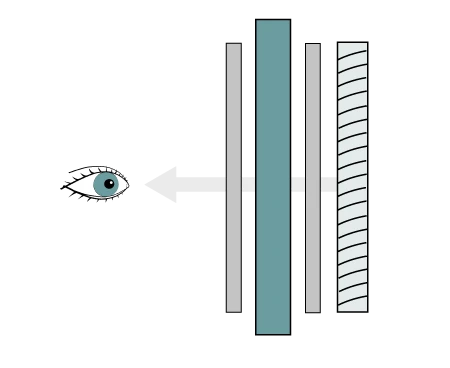 Transmissive
04 · INTERFACE
Built-in Interface
How will the display talk to your microcontroller?
Every LCD in our lineup has a controller on board, so the real decision is which connection fits your host. Parallel is the most widely supported option on both character and graphic modules. SPI and I2C cut the connection to a few wires when pins or board space are tight. RS-232(TTL), available on select character LCDs, accepts simple serial commands from any spare UART. Many COG displays support more than one interface, so one part can serve several designs.
 Parallel
6800/8080-Style
4 or 8-bit
MCUs with I/O pins to spare; widely supported code
Uses 6–14 pins depending on mode and format
Character and Graphic
 I²C
2-Wire
Addressable
Sharing a bus, or driving several displays
Slowest refresh; needs pull-up resistors on SDA/SCL
Character and Graphic
 SPI
3/4-Wire
Synchronous
Pin-constrained designs that need faster updates than I²C
Graphic LCDs over SPI are usually write-only; plan a frame buffer
Character and Graphic
 RS-232 (TTL)
1-Wire UART
ASCII Command Set
Simple text from any UART, no driver library needed
Lowest throughput; suited to text, not fast-updating data
Select Character LCDs
05 · MODULE TYPE
COB vs. COG
Do you need a ready-to-wire module or the thinnest possible display?
COB (Chip on Board) modules mount the controller on a PCB with a pin header or connector and are ready to wire on the bench. They make up most of our character and graphic lineup. COG (Chip on Glass) displays bond the controller directly to the glass for a profile as thin as 2mm, typically run on 3.0–3.3V, and connect by flex cable or fine-pitch pins. Prototyping fast? Start with COB. Tight on depth? Go COG.

06 · DISPLAY TYPE
Display Type and Viewing Angle
Dark on light or light on dark, and where will users stand?
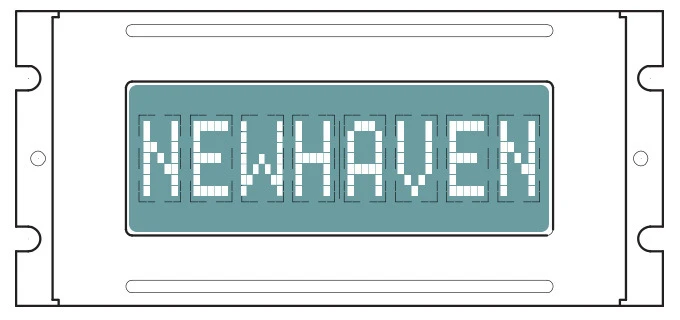
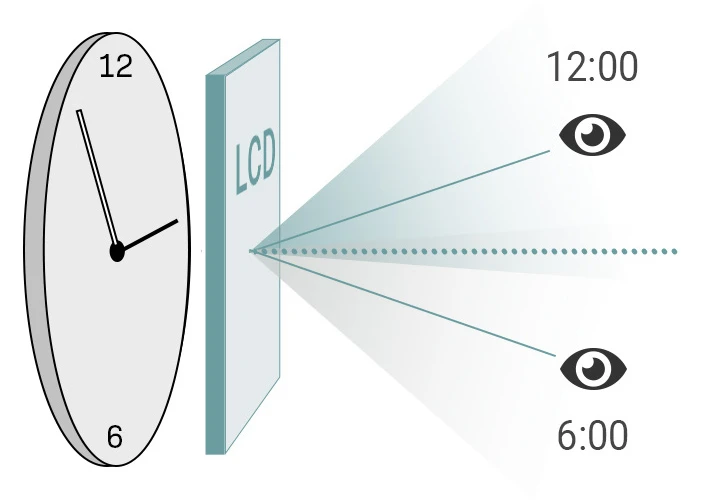
Positive displays show dark characters or pixels on a light background in gray, yellow-green, or the crisp, neutral look of FSTN. They're the easiest read in most lighting. Negative displays reverse that to light on blue or black for a high-contrast look in low light. Every LCD is also optimized for one viewing direction. Most are 6:00, which is best used when the viewer is below looking up. Select models are 12:00 and are best used when the viewer is above looking down.
Dark Characters or Pixels – Light Background
- Most Common
- Reads Well in Bright Light
- STN (+) Gray
- STN (+) Yellow-Green
- FSTN (+)
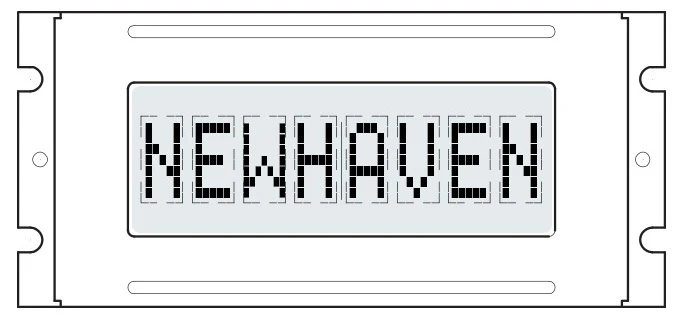
Light Characters or Pixels – Dark Background
- Dark Mode
- Reads Well in Dim Lighting
- STN (−) Blue
- FSTN (−)
- DFSTN (−)
Häufig gestellte Fragen
A character LCD shows text in a fixed grid of predefined characters, such as 2×16, which keeps firmware simple and cost low. A graphic LCD gives you control of every pixel for icons, logos, graphs, and text in any font or size. Both share the same display modes, backlight colors, and interface options, so the choice comes down to what your screen needs to show.
Choose an LCD when cost, power, and readability matter more than color. Reflective and transflective LCDs stay readable in bright light and reflective models need no backlight at all. LCDs tolerate static content better than OLEDs. Pick an OLED for maximum contrast and viewing angles or a TFT for full color, video, and touch.
Most of our character and graphic COB modules run on 5V, with 3.3V versions available for many character LCDs. COG displays typically run on 3.0 to 3.3V. Check the supply voltage on the product page, along with backlight current, before you finalize your power budget.
Our standard character and graphic LCDs are rated for -20°C to 70°C, which covers most indoor and light industrial environments. For colder conditions, select 128×64 COG graphic LCDs include a built-in 12V heater and operate down to -40°C. For other models, ask about wide-temperature options or heaters before you commit to a part number.
Yes. Our Support Center has example code and datasheets for both character and graphic LCDs, including 4-bit and 8-bit parallel examples and Arduino examples for popular character, graphic, and COG modules. Get a display running on the bench before you write any application code.
Yes. Common changes include connectors and cables, backlight color, cover lens, and mounting hardware. We also do custom character sets on character LCDs at moderate minimum order quantities. Our value-added services also handle lighter changes like soldering pin headers or setting interface jumpers. Start from the closest standard part and tell us what needs to change.
Yes. Many LCDs use industry-standard controllers, which makes cross-referencing straightforward. Most of our character LCDs use the Sitronix ST7066U, and our graphic LCDs include KS0108-, T6963C-, and SED1335-type controllers. Send us the display you're replacing, and our engineers will match the format, interface, and mounting before you redesign anything.